
SuperEx Guide: SuperEx Web3 Wallet User Guide(VI)

备份-3@2x-1024x576.png)
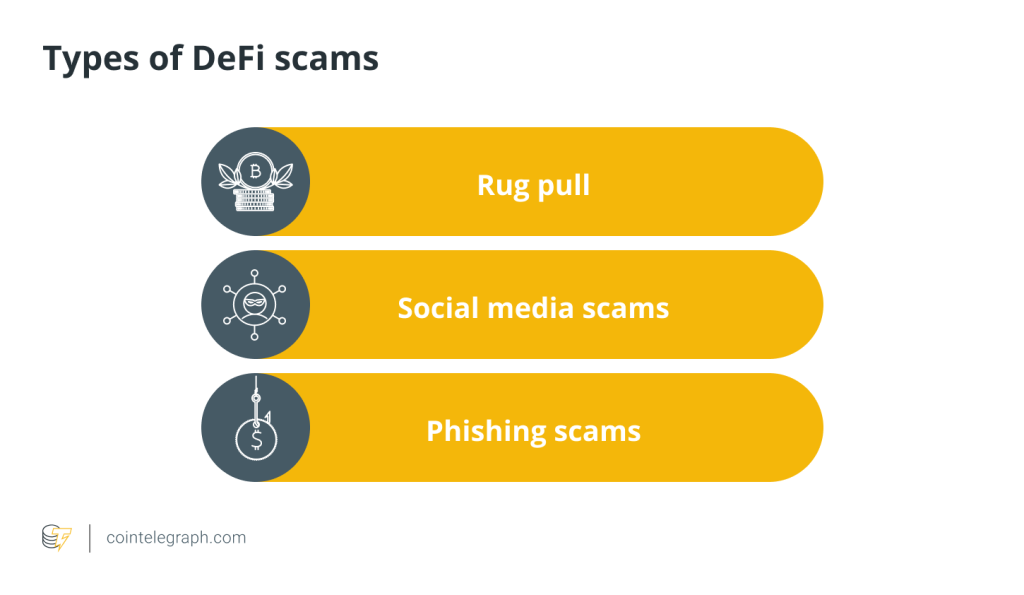
Web3 wallets are decentralized and anonymous, making them a prime target for scams. Malicious actors use tactics such as mining, airdrops, and high-yield investment schemes to lure users into clicking on unknown links, granting wallet authorization on malicious websites, or stealing seed phrases/private keys, resulting in asset loss. Stolen assets are often difficult to recover, so please stay vigilant.
- Cick to register SuperEx
- Cick to downoad the SuperEx APP
- Cick to enter SuperEx CMC
- Cick to enter SuperEx DAO Academy — Space
备份-3@2x-scaled.png)
SuperEx Web3 Wallet FAQ(1)
What should I do if I forget my password?
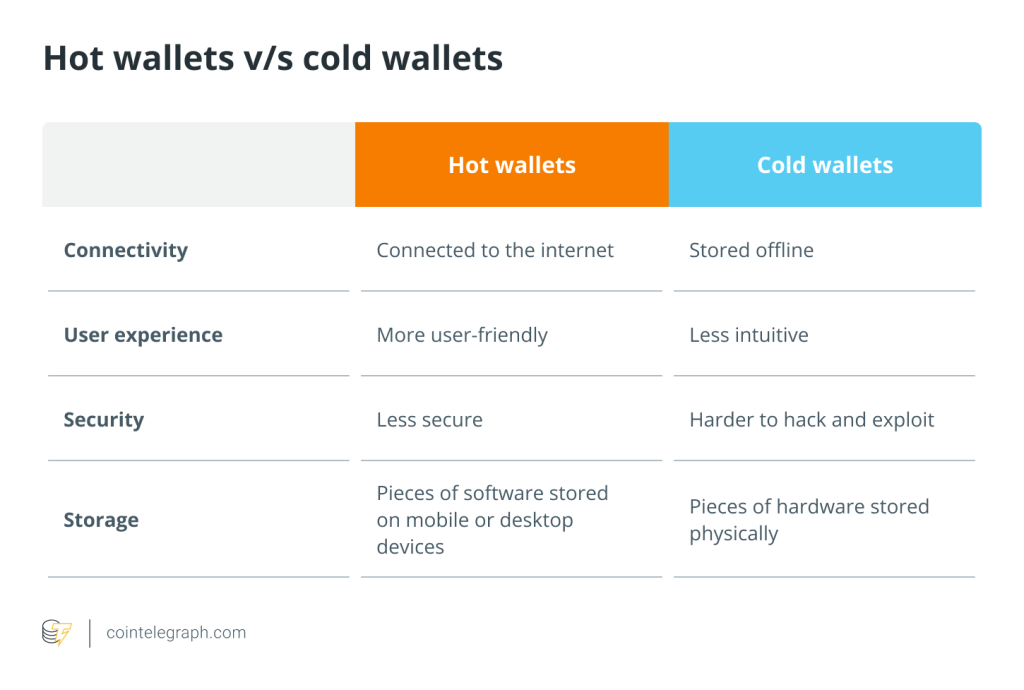
A Web3 wallet is a fully user-managed service, with access controlled by a seed phrase or private key. Each seed phrase (usually consisting of 12 words) corresponds to a unique wallet address, and only the holder of the seed phrase has full control over the wallet.
For example, Wallet A and Wallet B represent two different sets of seed phrases, each managing different assets. The same seed phrase can generate multiple addresses across different blockchains, enabling multi-chain asset management.
About SuperEx Web3 Wallet Password
SuperEx Web3 Wallet requires a password to secure the application and manage the wallet. When creating or importing a wallet, you will need to set a password, which will be required for login and transactions.
As a decentralized, non-custodial wallet, SuperEx does not store user passwords and cannot assist with password recovery. If you forget your password, you can reset it by re-importing your seed phrase or private key. Therefore, be sure to back up your seed phrase or private key.
Note:
If you do not back up your seed phrase or private key and forget your password, your wallet assets will be permanently lost.
The SuperEx Web3 Wallet password is different from the login password for the SuperEx trading platform.
How to Reset Your Wallet
Since the Web3 wallet does not store your password and cannot help you retrieve it, you can reset your wallet password by re-importing your seed phrase or private key.
Steps:
- Open the Web3 Wallet and go to the Wallet Management page.
- Tap “+” in the upper right corner, then select “Import Wallet”.
- Choose “Import via Seed Phrase” or “Import via Private Key” and follow the instructions to complete the process.
Reminder:
Always back up your seed phrase or private key. If you forget your password without a backup, you will not be able to recover your assets. Anyone who has your seed phrase or private key can transfer your assets, so store them securely.
Why should I back up my seed phrase or private key? How do I back it up?
Importance of Backup
The seed phrase or private key is the core access key to a Web3 wallet. Possessing it grants full control over wallet assets. Since Web3 wallets are decentralized, wallet providers cannot store or retrieve your seed phrase or private key. If lost, your wallet and assets will be permanently inaccessible.
How to Back Up
- Write it down manually: Write down your seed phrase or private key correctly on paper.
- Ensure accuracy: Make sure every letter and word is correct, as errors may prevent wallet recovery.
- Store it securely: Keep your paper backup in a safe, damage-resistant place (e.g., a fireproof safe).
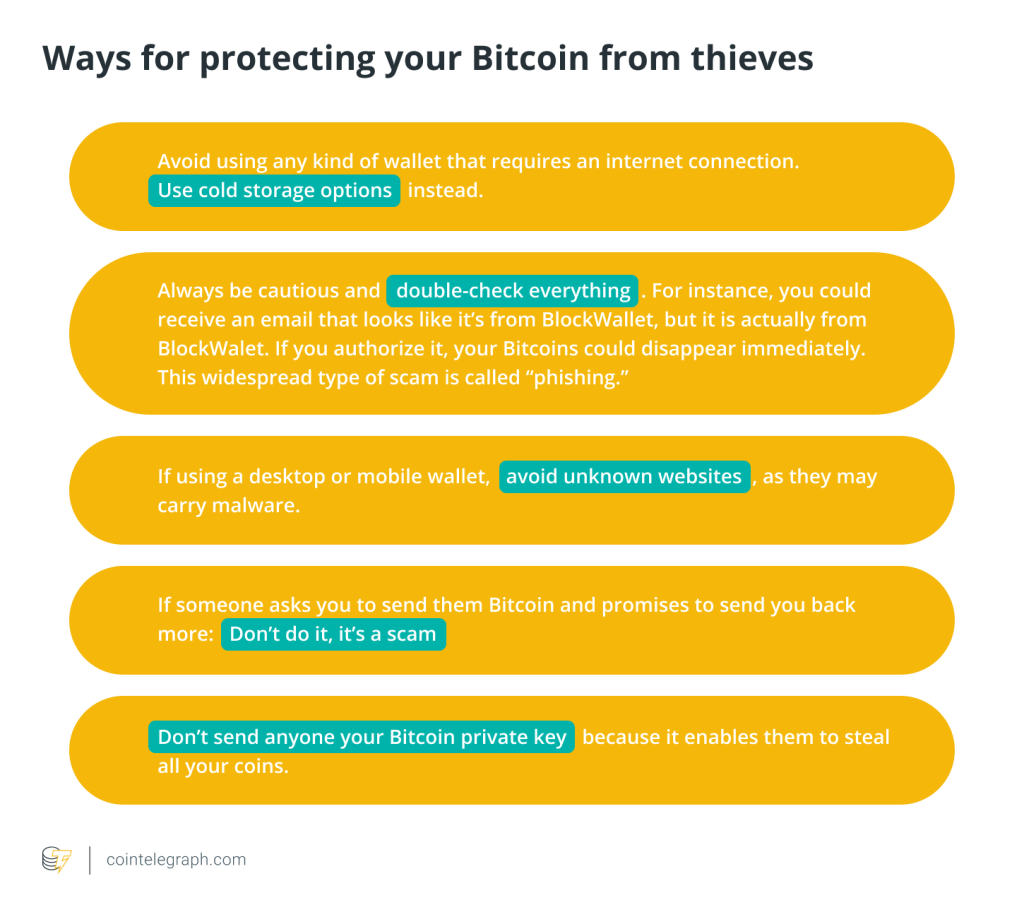
- Do NOT store digitally: Avoid taking screenshots or saving the phrase on internet-connected devices, as hackers may gain access.
- Consider multiple backups: Keep multiple copies in different safe locations to prevent loss or damage.
Precautions
- Never share your seed phrase or private key with anyone.
- Do not enter your seed phrase or private key on untrusted websites, apps, or with unknown individuals.


Responses